
A practical guide: write AGENTS.md and a task brief before handing your project to a coding agent
4 min read
Coding agents read your instructions before writing a line. A short guide to AGENTS.md, how tools like Codex and Claude Code read it, and a seven-part task brief you can copy.
If you hand your project to an AI coding agent without written instructions, you are asking it to guess: which commands to run, which files not to touch, and what "done" means. Guessing in code is expensive.
The fix is not a longer prompt in the chat window. It is two written layers:
- A standing instructions file in the repository that the agent reads at the start of every session. The common name today is
AGENTS.md. - A task brief for each feature: what is wanted, what is off-limits, and when the work counts as done.
This guide walks through both layers.
What is AGENTS.md?
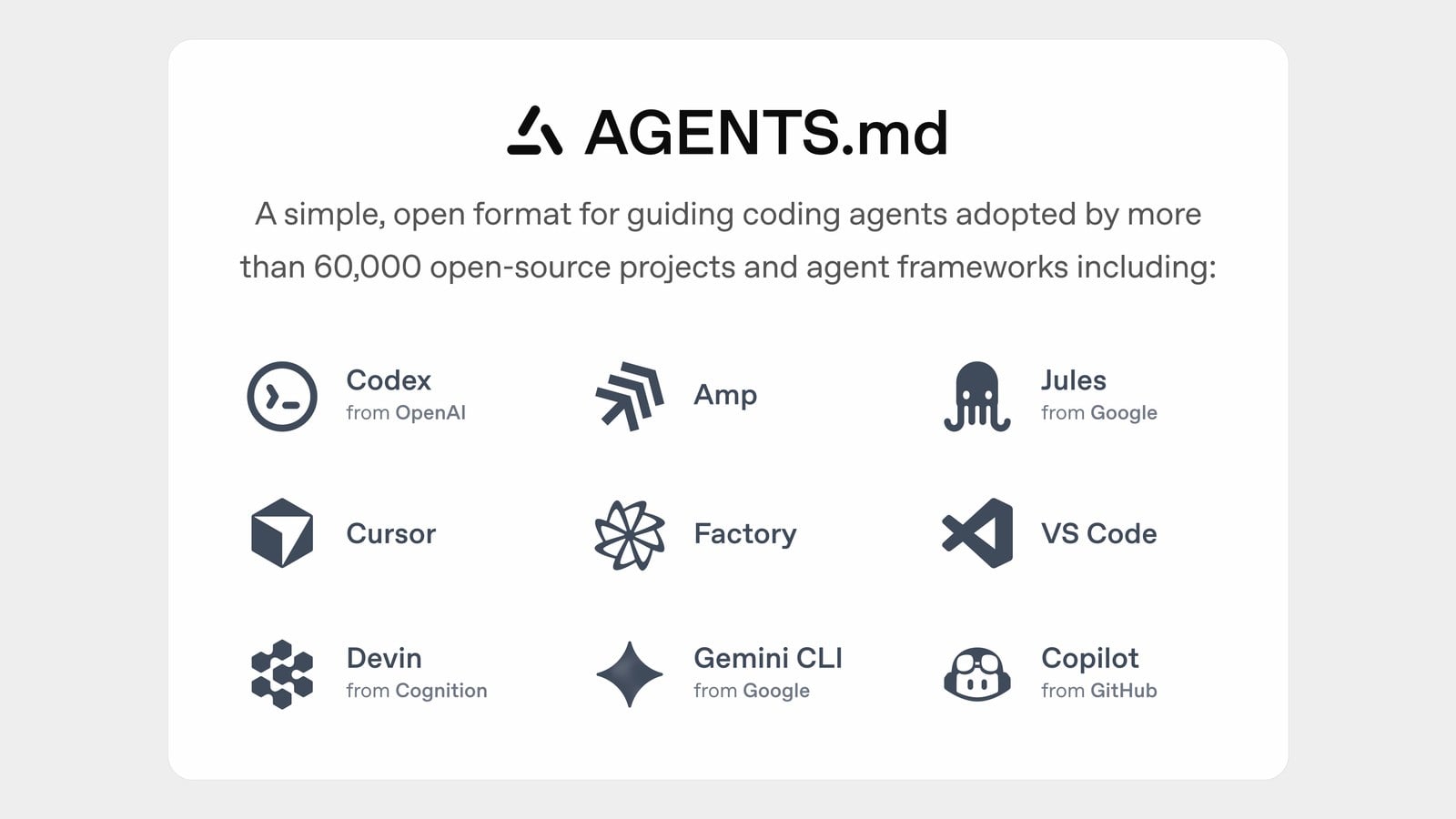
According to its official site, it is a simple, open format for guiding coding agents, like a README but for agents: a predictable place for build steps, tests and code conventions. It is plain Markdown with no required fields. The format came out of a joint effort across tools including OpenAI Codex, Cursor and Google's Jules, and it is now stewarded by the Agentic AI Foundation under the Linux Foundation.
Two rules from its documentation matter:
- The closest file wins: in large projects you can place a file in each subfolder, and the one nearest the edited file takes precedence.
- Your explicit chat prompt overrides everything: written instructions are the baseline; a direct request takes priority.
The site also says the agent will try to run the test commands listed in the file and fix failures before finishing. A line like "run the tests" is not decoration.
How popular tools read it
OpenAI Codex: reads the file before doing any work. It starts with a global file in the user's Codex home, then walks from the project root down to the current folder, concatenating files so the closest one comes last and takes precedence. There is a default 32 KiB limit on combined instructions, which you can change in the config.
Anthropic's Claude Code: its native file is CLAUDE.md, but according to its docs it reads AGENTS.md when there is no CLAUDE.md in the project. If you need both, the recommended approach is a CLAUDE.md containing the import line @AGENTS.md, so the project keeps one source of instructions.
Next.js: from version 16.3, next dev auto-generates AGENTS.md and CLAUDE.md when it detects a coding agent in the environment, with a note telling the agent to read the documentation bundled with the installed package instead of relying on possibly outdated training data.
This site's own repository is a live example: it has an AGENTS.md with the block Next.js generates, and a one-line CLAUDE.md that reads @AGENTS.md.
What to put in the file
Start small, with what a new teammate needs on day one:
- Install, run, test and build commands.
- Code style, and rules that cannot be inferred from the code itself.
- What must not be touched: secrets, deployment settings, approved parts of the design.
- Language and content rules if your product is Arabic: text direction, the expected register, banned words, and names that must be written a specific way.
A short example:
# AGENTS.md
## Commands
- Install: npm ci
- Test: npm test
- Build: npm run build
## Rules
- Arabic is first-class: every page ships in ar (RTL) and en.
- Never commit secrets or edit deployment settings.
- Do not invent numbers, users, or testimonials in UI copy.
Two tips from the Claude Code docs apply to any tool:
- Write instructions you can verify: "Run the test command before committing" is clearer than "test your changes."
- Keep the file short: the docs suggest under 200 lines per file, because long files consume context and reduce adherence.
Layer two: the task brief
The instructions file describes the whole project. Each new feature needs its own brief. When building this site's features, each one started with a brief file handed to the coding agent, and across those files a seven-part structure repeats that you can copy:
- Context: where the agent works and what stack is used, with explicit lines like "do not deploy" and "do not touch secrets."
- Do not touch: a list of approved parts that stay as they are, including colors and fonts.
- Goal and product: what the user sees, step by step.
- Data and safety rules: what must not be fabricated, what is never stored, and what the limits are.
- Tests: what must be verified, with real network calls banned inside tests.
- Local smoke test: manual run steps the agent performs before declaring it is done.
- Done criteria: a short list; when all items hold, the task is complete.
Part seven turns "done" from an impression into a checklist. Part two protects what you already approved from side edits you never asked for.
Common mistakes to avoid
- Conflicting instructions: the Claude Code docs warn that when two instructions conflict, the agent may pick one arbitrarily. Review your files from time to time.
- Relying on words alone for critical rules: the same docs make clear these files are context, not technical enforcement. Anything that must always be blocked, such as deploying, should be blocked with permissions and settings, not instructions alone.
- One huge file that tries to say everything: split it into subfolder files, or move the details into task briefs.
- No tests: an agent without tests declares success based on its impression. List the test commands explicitly.
The steps in short
- Create
AGENTS.mdat the project root with run and test commands and your core rules. - If you use Claude Code with a
CLAUDE.md, add the import line to it. - For each feature, write a brief with the seven parts.
- Ask the agent to run the tests and the local smoke test before declaring it is done.
- Review the result yourself before anything is published.
Sources
- The official AGENTS.md site
- Codex docs on AGENTS.md
- Claude Code docs on instructions and memory
- Next.js guide to setting up for AI coding agents
Cover image: official image from AGENTS.md.
Abdulrahman Alshehri — Building What's Next.